Five Yoto card tips every parent figures out too late
Card organization, naming conventions, and the trick that keeps mystery cards from getting lost on a busy shelf.
By The Little Ears Studio
Every Yoto Player comes with a Make Your Own (MYO) card, and it's one of the most underused features in the whole ecosystem. With a blank card and a few MP3s, you can build something far more personal than any pre-made card. Here's how — and what to put on it.
The basics
Go to the Yoto app (or yotoplay.com/create), choose Make New, and upload your audio — MP3 or AAC. A single MYO card holds up to 100 tracks (about 500MB), then you link it to a blank card and tap it onto your player. That's a lot of room to get creative.
Five cards worth making
- The bedtime card. Load three or four short sleep stories so your child can pick their wind-down without a screen.
- The road-trip card. Fill one card with scavenger hunts and long adventures, tuck it in the glovebox, and never scramble for entertainment again.
- The grandparent card. Record grandma or grandpa reading a favorite story in their own voice. It's the card kids reach for the most.
- The “my week” card. A different educational story for each day — animals on Monday, space on Tuesday.
- The comfort card. One or two familiar stories for anxious moments, new-house nights, or hospital stays.
A tip on organizing
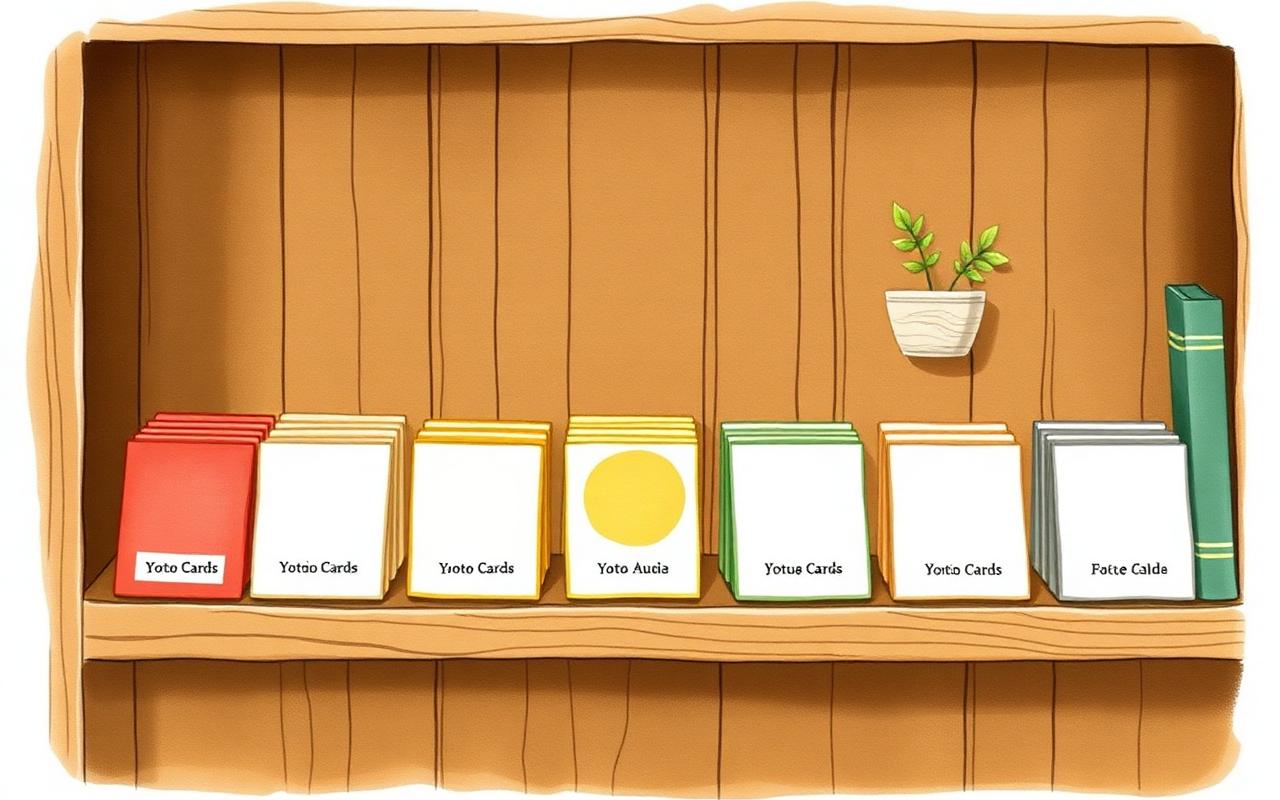
Give each card a clear icon and title in the app so your child can grab the right one on their own. Independence is half the joy of a Yoto.
Blank cards are inexpensive and endlessly reloadable, so don't be precious about them. The best MYO card is the one your family actually made together.