 Ages 6–9 Story
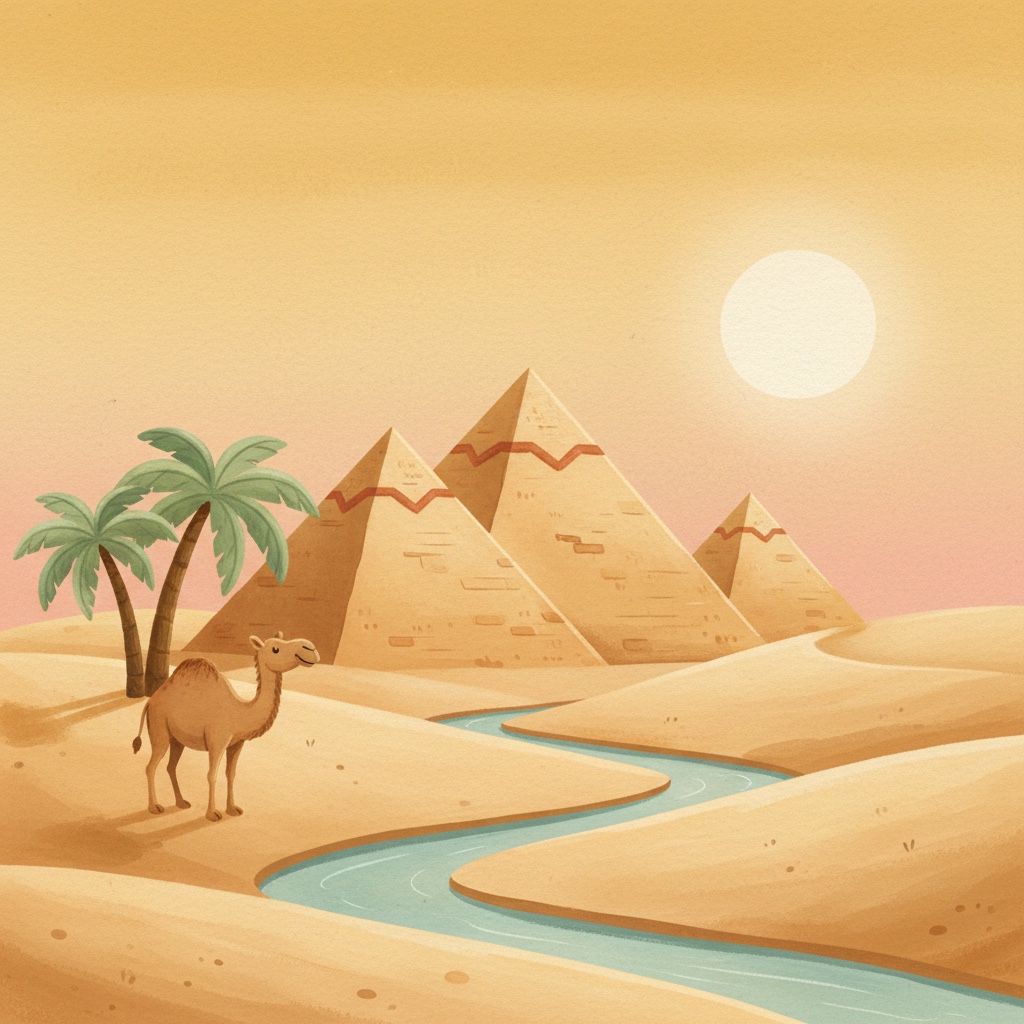
Ancient Egypt Explorer
Layla and Khaled have one morning as apprentices to Ani, who writes for the pharaoh and has ink on every finger. He shows them papyrus, two inks (black for the words, red for what matters), four signs that are sounds rather than pictures, and the ring that marks a king's name. Then he walks them to a stone door with no handle and a riddle carved on it. Khaled guesses first and wrong. Layla gets the Sphinx. And the door stays shut, because the riddle was never the lock. Three pauses let your child sound out the signs, solve the riddle, and spot the one red sign before Layla does. Every fact is spoken by a character and checked. Ends with a cat walking through wet paint.
- Voice
- Curious, quick-witted guide with a full cast
- Language
- English (US)
- Format
- MP3 · 7.7 MB
- Runtime
- 8 minutes
Narrated with premium studio-quality AI voices.
One-time purchase · yours forever
- Instant MP3 download
- Free printable activity sheet (PDF)
- DRM-free, play anywhere
- Creative Tonie & Yoto compatible
- 30-day happiness guarantee
Includes a free printable activity sheet (PDF)
Tracks
- Khaled. Stop Running.1:15
- Black for the Words, Red for What Matters1:30
- Do Not Touch the Cat1:00
- The Door With No Handle1:35
- One Red Sign2:43
What's inside
Twins Layla and Khaled spend one day with Ani, the royal scribe, and end up at a stone door with no handle, a riddle on it, and one red sign nobody has looked at in forty years.
Meets Ani, who has ink on every finger and delivers his jokes as information, plus a temple cat that is not to be touched and does exactly as it likes.
Three built-in pauses: your child sounds out four signs, solves the Sphinx riddle before Khaled does, and names the one color that opens the door. Facts sourced and checked.
How to load this story
Phone, tablet, car & speakers
- 1Tap Buy & download — MP3 saves to your device.
- 2Open in Apple Music, Files, Google Drive, or any player.
- 3AirPlay, Bluetooth, or cast to your speaker or car.
Creative Tonie
- 1Open the Tonie app and select your Creative Tonie.
- 2Tap + and upload the downloaded MP3.
- 3Place the Creative Tonie on the Toniebox to listen.
Yoto Player
- 1Open the Yoto app → Make Your Own.
- 2Add tracks and upload the MP3.
- 3Link to a blank Yoto card and tap onto your player.